
Uninstall Edge
Removing Edge Chromium for good, without it creeping back
 Siddh Mistry
August 20, 2021
Updated July 24, 2026
2 min read
Siddh Mistry
August 20, 2021
Updated July 24, 2026
2 min read
The Problem
Microsoft Edge has taken over PDF viewer, and other default web tasks. Even when manually removing it will reinstall via windows updates.
Removing the Base Install
We first need to find the Edge install of the chromium edition in your Program Files.
Location:
1 | C:\Program Files (x86)\Microsoft\Edge\Application\ |
The setup program is what we need to uninstall edge. Go to the location above and drill down from the number and Install folder
Example:
1 | C:\Program Files (x86)\Microsoft\Edge\Application\92.0.902.62\Installer |
Once you find your path you can now uninstall edge with the following command (Note: YOURS WILL BE DIFFERENT!)
1 | C:\Program Files (x86)\Microsoft\Edge\Application\92.0.902.62\Installer\setup.exe --uninstall --system-level --verbose-logging --force-uninstall |
Keep it from coming back… for now
You now need to add a registry entry. The following location Computer\HKEY_LOCAL_MACHINE\SOFTWARE\Microsoft\EdgeUpdate needs to be added with a DWORD called DoNotUpdateToEdgeWithChromium with a value of 1.
You can do this with a simply reg file. (stopedge.reg)
1 | Windows Registry Editor Version 5.00 |
Create this file or download the file @ https://www.mistrysiddh.tk/files/stopedge.zip
Run this to prevent edge reinstallation. Note: Microsoft will kill this workaround in the future and force edge on you
Mr. Blogger
Podcast
Social Media
- Instagram - https://instagram.com/mistrysiddh
- Github - https://guthub.com/mrfoxie
- Linkedin - https://www.linkedin.com/in/SiddhMistry/
- Whatsapp - Message Me
- Discord - https://discord.gg/bPrBSbQ2W4
Donation
- Paypal - https://paypal.me/mistrysiddh
- Patreon - https://www.patreon.com/siddhmistry
- Buymeacoffee - https://www.buymeacoffee.com/mistrysiddh
Play Store

Related Documents
Other specifications filed under the same module.
 DWG-73749
MOD-00 · Windows
DWG-73749
MOD-00 · Windows
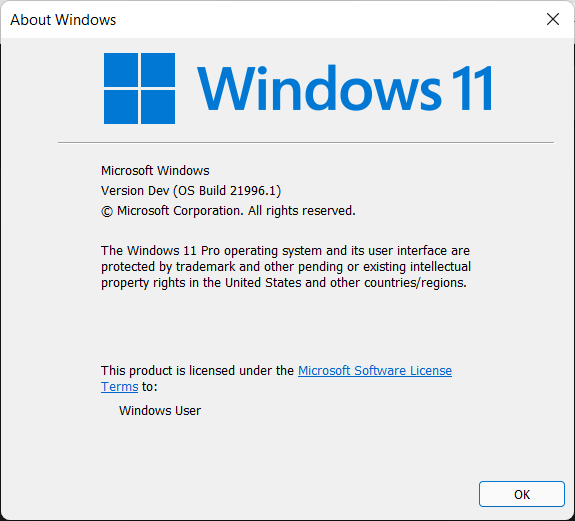
Update any PC to Windows 11
This is a guide going over updating any PC to Windows 11 that “doesn’t meet requirements” or doesn’t use Secure Boot or has a TPM 2.0 chip.
Siddh Mistry
·
Jul 10, 2021
Field Notes & Comments
Session-local discussion — comments here are not persisted to a server in this build.
Loading discussion module…