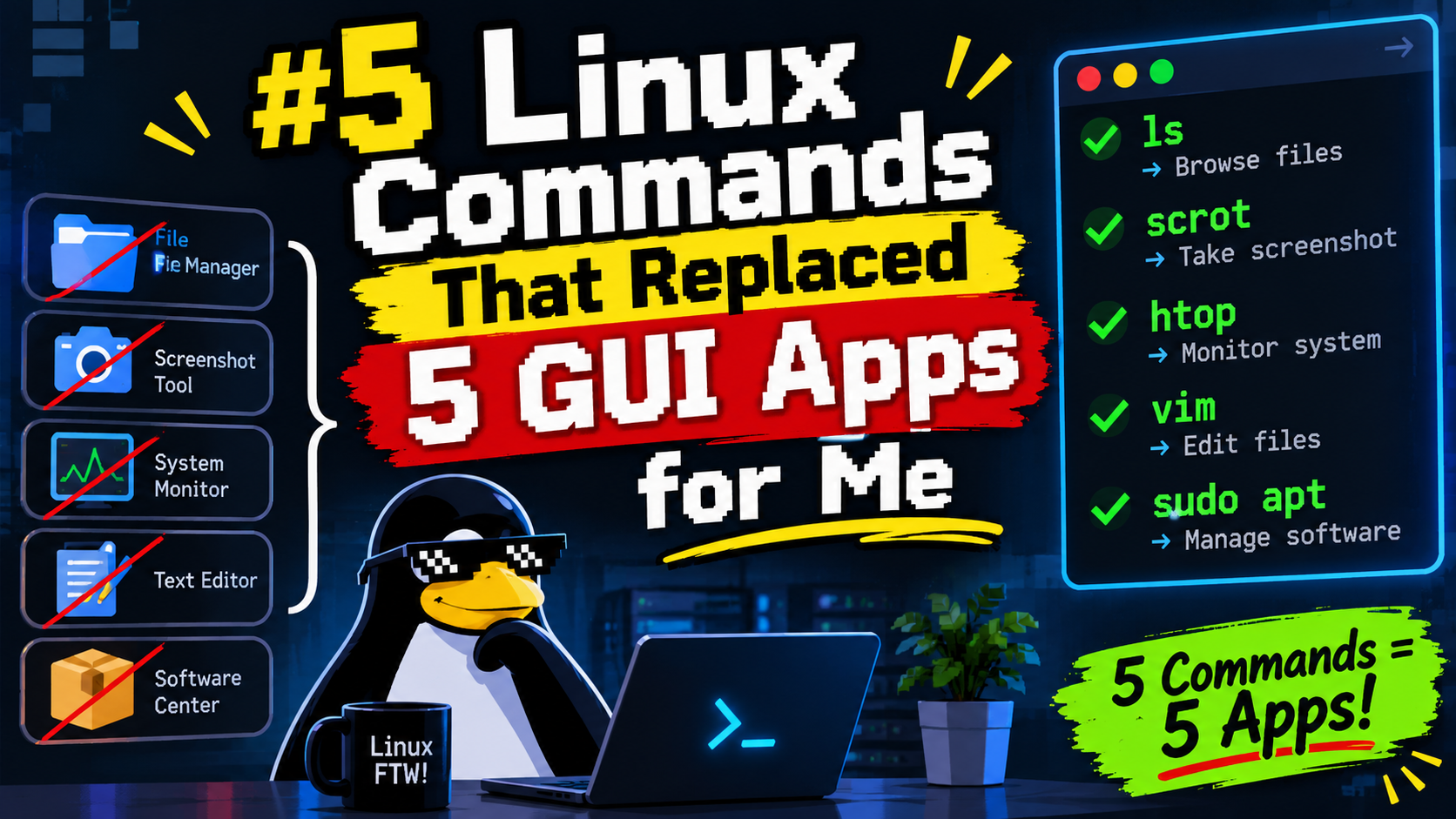
5 Linux Commands That Replaced 5 GUI Apps for Me
No desktop environment required
 Siddh Mistry
November 11, 2026
Updated November 11, 2026
4 min read
Somewhere along the way, the terminal stopped being “the thing I use when something breaks” and became the thing I reach for first — even on tasks I used to open a whole app for. Here are five that quietly made specific GUI apps disappear from my workflow entirely.
1. ncdu replaced my disk usage analyzer
I used to open a graphical disk-space app, wait for it to scan, then click through a treemap to find what was eating my storage. ncdu (NCurses Disk Usage) does the same job, in the terminal, over SSH, on a headless server where a GUI was never an option anyway.
1 | sudo apt install ncdu |
Navigate with arrow keys, press d to delete something you find, and it updates live. It’s faster than any GUI equivalent I’ve used, mostly because there’s no window to render.
2. htop replaced my task manager
Every OS has some version of a graphical task manager. On Linux, htop beats most of them — color-coded CPU/memory bars per core, tree view of process relationships, and you can kill a process without ever leaving the keyboard.
1 | sudo apt install htop |
Press F6 to sort by any column, F9 to kill a process, t to toggle tree view. If you SSH into a remote server, this is non-negotiable — there is no GUI task manager to fall back on anyway.
3. rsync replaced my file-sync GUI
I used to run a GUI sync tool to mirror folders between machines, complete with a progress bar and a “scanning files…” spinner that took longer than the actual transfer. rsync does it faster, resumes interrupted transfers automatically, and only copies what’s actually changed.
1 | rsync -avh --progress /source/folder/ user@remote:/destination/folder/ |
-a preserves permissions and timestamps, -v is verbose, -h makes sizes human-readable, and --progress gives you the progress bar you actually wanted. Add --delete if you want the destination to exactly mirror the source (careful with that one).
4. tmux replaced juggling a dozen terminal windows
Before tmux, I had a taskbar full of separate terminal windows for “the server log,” “the build process,” “the editor,” “the monitoring dashboard.” tmux puts all of that in one SSH session, split into panes and windows that survive even if your connection drops.
1 | tmux new -s work |
That last part is the real win: close your laptop, open it later, reattach, and everything’s still running exactly as you left it — including over a flaky connection where a GUI remote desktop would’ve just frozen.
5. ffmpeg replaced my simple video editor
I’m not cutting a feature film in the terminal, but for the 90% case — trim a clip, convert a format, strip audio, compress a video before uploading it somewhere — opening a full video editor is massive overkill. ffmpeg does all of it in one line.
1 | # Trim from 00:01:30 for 20 seconds, no re-encode (fast, lossless) |
The learning curve is real — ffmpeg’s flag soup is legendarily unintuitive — but once you have your five go-to commands saved somewhere, you never touch a GUI editor for simple tasks again.
The pattern here
None of these are obscure power-user tools. They’re just better at the one job they do than the GUI equivalent, because they don’t have to render a window, they work identically over SSH on a headless box, and they’re scriptable the moment you need to repeat something. That’s usually the actual argument for the terminal — not “it looks cooler,” but “it does the same job with less overhead and it still works when there’s no display attached.”
Setting Up WireGuard VPN in 15 Minutes
Next DocumentI Audited My Own Home Network for Security Holes
Related Documents
Other specifications filed under the same module.
 DWG-89104
MOD-01 · Linux
Guiscrcpy
Screen cast your phone and record high quality games on your laptop or desktop
Siddh Mistry
·
Jul 20, 2021
 DWG-74033
MOD-01 · Linux
WSL Graphics
WSLg is short for Windows Subsystem for Linux GUI and the purpose of the project is to enable support for running Linux GUI applications (X11 and Wayland) on Windows in a fully integrated desktop experience.
Siddh Mistry
·
Jun 19, 2021
 DWG-58321
MOD-01 · Linux
WSL Install
The Windows Subsystem for Linux lets developers run a GNU/Linux environment -- including most command-line tools, utilities, and applications -- directly on Windows, unmodified, without the overhead of a traditional virtual machine or dual-boot setup.
Siddh Mistry
·
Jun 15, 2021
Field Notes & Comments
Session-local discussion — comments here are not persisted to a server in this build.
Loading discussion module…