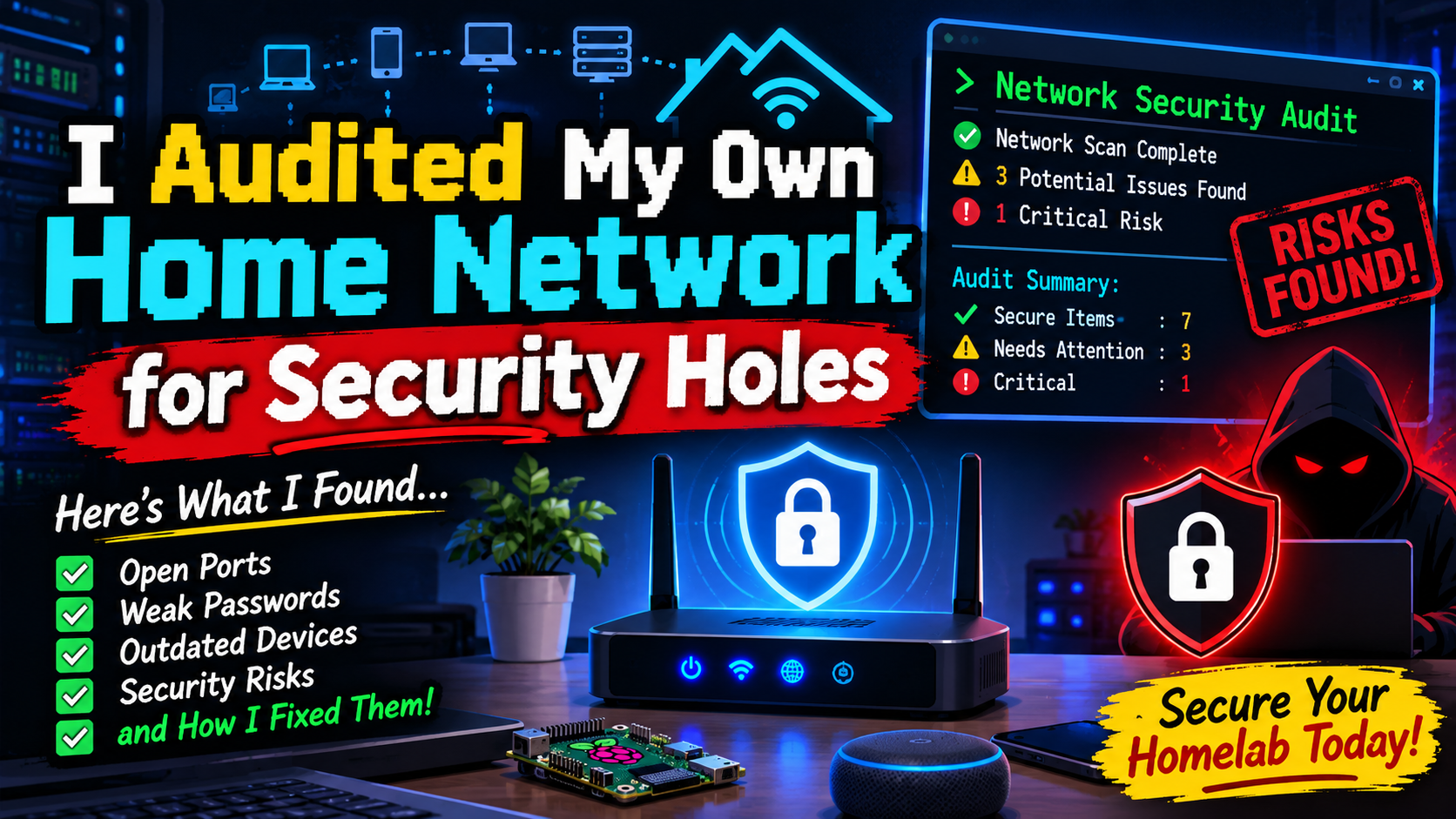
I Audited My Own Home Network for Security Holes
What a weekend with Nmap, arp-scan, and a hard look at my router found
 Siddh Mistry
November 11, 2026
Updated November 11, 2026
4 min read
Why bother auditing your own network
It’s easy to assume “it’s just my home Wi-Fi, who cares.” But a home network today usually has more exposed surface than most small offices did a decade ago — smart plugs, a NAS, a few Docker hosts, a kid’s tablet, a guest’s phone that was never removed from Wi-Fi. I decided to actually go through mine properly instead of assuming it was fine.
Here’s what I used, what I found, and what I fixed — so you can run the same pass on yours in an evening.
Step 1: Find every device actually on the network
Don’t trust your router’s “connected devices” page — it’s often incomplete or just wrong. I used arp-scan for a fast local sweep:
1 | sudo arp-scan --localnet |
And nmap for a more thorough host discovery pass:
1 | sudo nmap -sn 192.168.1.0/24 |
What I found: two devices I didn’t recognize at first glance. One turned out to be a smart bulb I’d forgotten existed. The other was an old phone still connected from a visit months ago — not malicious, just sloppy hygiene. Still, if I didn’t recognize it, neither would I notice if something actually unwanted joined.
Fix: renamed every device in the router’s device list to something identifiable, and kicked the stale connection off.
Step 2: Port-scan your own devices
For each device that matters (NAS, servers, anything self-hosted), I ran a proper port scan from another machine on the same network:
1 | nmap -sV -p- 192.168.1.50 |
-p- scans all 65535 ports, not just the common 1000 — slower, but it’s the only way to actually know what’s listening.
What I found: a management interface on my NAS that I’d set up once for a one-time task and never closed back down. Also a service I’d forgotten was still bound to 0.0.0.0 instead of 127.0.0.1, meaning it was reachable from any device on the LAN, not just the host itself.
Fix: closed the management interface, and rebound the forgotten service to localhost-only since nothing else on the network needed to talk to it.
Step 3: Check what’s actually exposed to the internet
Your router is your real perimeter. From outside your network (phone on mobile data works fine), check what’s actually reachable:
1 | nmap -Pn your.public.ip -p 1-1000 |
Or just use an external tool like Shodan or canyouseeme.org to check specific ports without needing a second network.
What I found: a port-forward rule I’d set up for a game server over a year ago that I never removed. It wasn’t actively dangerous, but it was one more thing an attacker didn’t need to work for.
Fix: audited every port-forward rule in the router, removed anything not actively in use, and documented the ones that stayed with a reason why.
Step 4: Review Wi-Fi settings properly
A few things worth checking that people set once and never revisit:
- WPA3 if your devices support it, WPA2-AES at minimum — never WPA/TKIP or (god forbid) WEP
- WPS disabled. It’s a convenience feature with a long history of being trivially brute-forceable
- Guest network actually isolated from the main LAN, not just a separate SSID on the same subnet
- Router admin password changed from the default — sounds obvious, still worth double-checking
- Router firmware up to date — most people never check this after initial setup
What I found: WPS was still enabled. Had been since the router was first set up. No idea for how long.
Fix: disabled it, verified over a second scan that it was actually off (some routers lie about this in the UI).
Step 5: Look at what your devices are phoning home to
This one’s less common advice but worth it: run a quick DNS query log on your router or a Pi-hole if you have one, and look at what’s leaving your network. You’ll be surprised how much “smart” home gear talks to servers you’ve never heard of, constantly.
1 | # if you're running Pi-hole |
What I found: nothing alarming, but a genuinely useful list of exactly which devices talk to which third parties — which is good baseline knowledge to have before something does look wrong later.
The actual takeaway
None of what I found was a five-alarm fire. That’s kind of the point — most home network security isn’t about catching a sophisticated attacker, it’s about closing the dozen small gaps that accumulate from “I’ll fix that later” over years of normal use. An hour with nmap and arp-scan is enough to find most of them.
If you’ve never done this pass on your own network, do it this weekend. You’ll probably find at least one thing you forgot was even there.
5 Linux Commands That Replaced 5 GUI Apps for Me
Next DocumentDocker Compose for Homelab Beginners
Related Documents
Other specifications filed under the same module.
 DWG-16227
MOD-04 · Cybersecurity
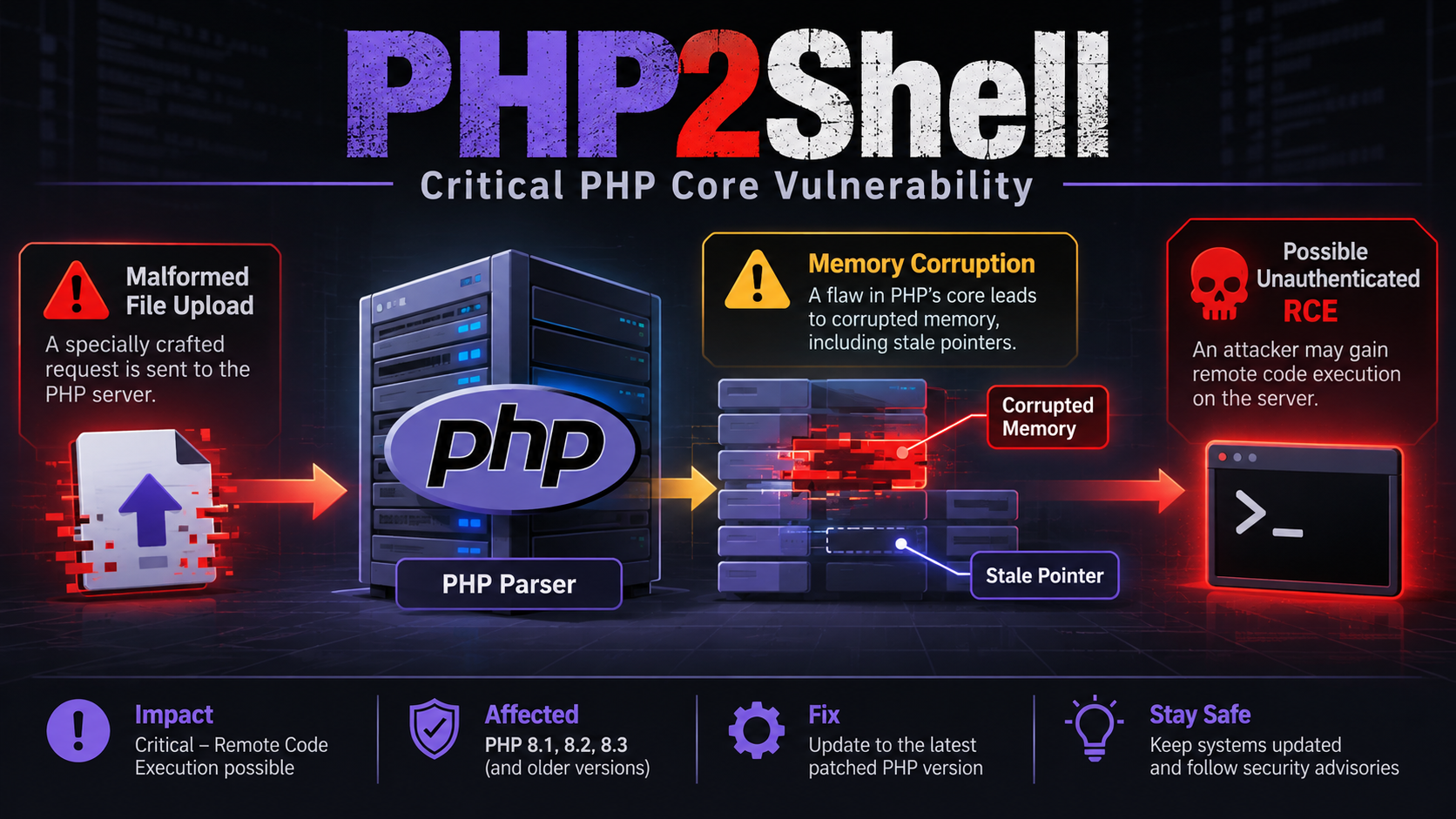
PHP2Shell: Inside the Worst PHP RCE in Years (CVE-2026-109618 & CVE-2026-109619)
A breakdown of the PHP2Shell vulnerabilities (CVE-2026-109618, CVE-2026-109619), the critical RCE chain affecting PHP-FPM, mod_php, and more, plus other PHP CVEs making headlines right now.
Siddh Mistry
·
Nov 09, 2026
 DWG-04346
MOD-04 · Cybersecurity
Cybersecurity Tips and Tricks
How to Protect Yourself from Hackers and Online Scams Summary Cybersecurity is about keeping your online world safe from threats like hacker…
Siddh Mistry
·
Jan 13, 2025
 DWG-18579
MOD-04 · Cybersecurity
Cyber Security
Safeguarding Your Digital World: A Comprehensive Guide to Cybersecurity In our modern age, where digital technology reigns supreme, the need…
Siddh Mistry
·
Aug 22, 2023
Field Notes & Comments
Session-local discussion — comments here are not persisted to a server in this build.
Loading discussion module…